
Fasting
Start a fast, track the timer, and review your fasting history.
What it is
The fasting timer tracks your elapsed hours. Choose presets like 16:8, 18:6, or 20:4, extended fasts from 24 to 72 hours, or a custom target.
During a fast, the screen shows elapsed time, remaining time, and estimated metabolic stage. Completed fasts save to your history.
How it works
- Choose a plan. Start immediately, schedule a start, or log an earlier start time.
- Watch the timer. You can adjust the start time while the fast runs.
- Stop the fast to save it to your log. Enable notifications for completion alerts.
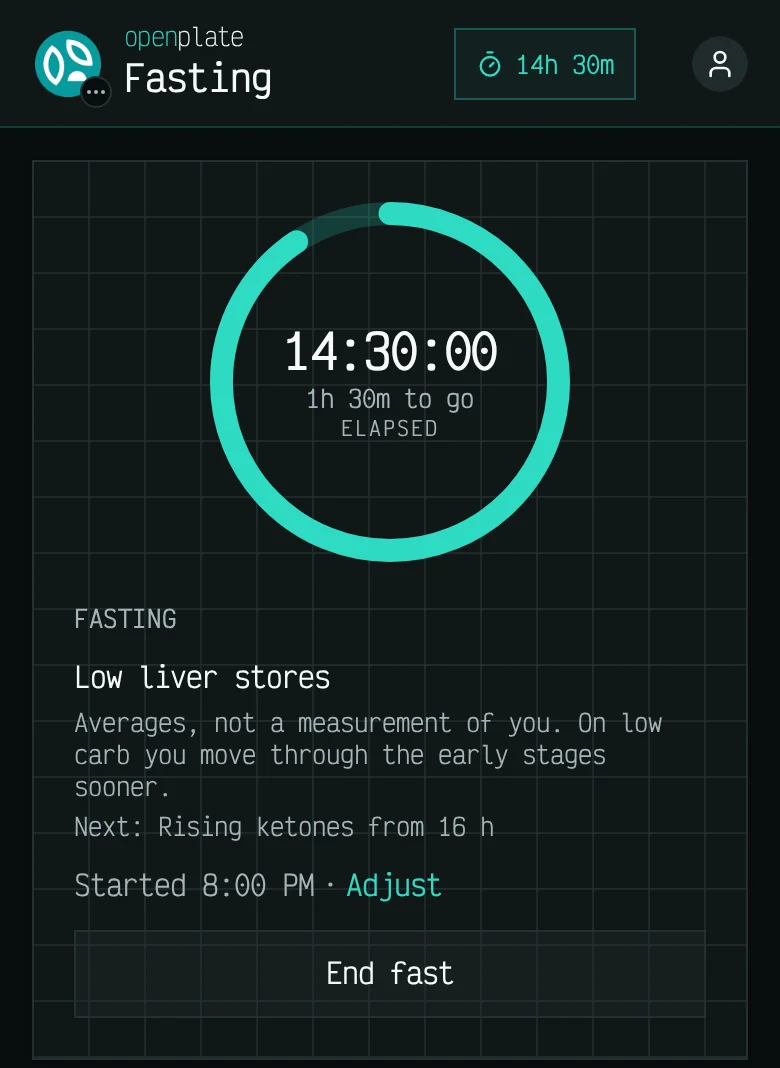
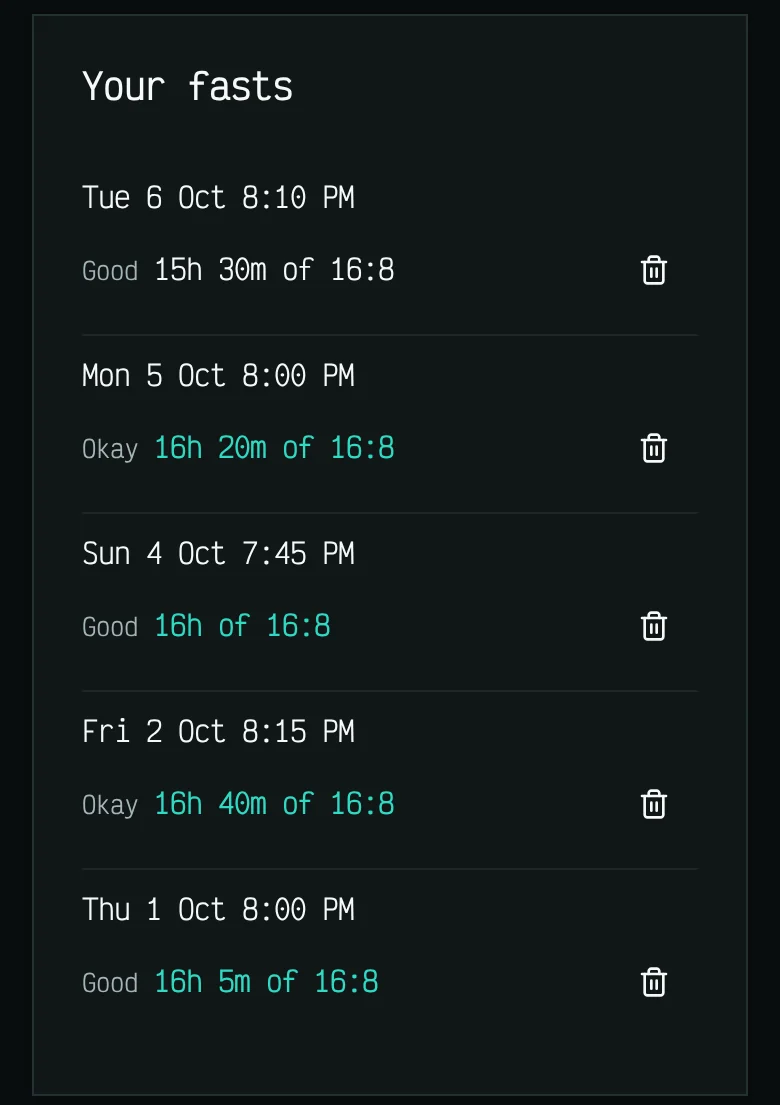
These screens show example data, not a real diary.
Which plans include it
- Free
- Not included
- Basic
- Not included
- Plus
- Included
- Max
- Included
- Self-host
- Included
Limits
- openplate logs time. It does not provide medical guidance, and metabolic stages are general estimates rather than personal readings.
- Fasting is not advised while pregnant or breastfeeding, with an eating disorder, with type 1 diabetes or blood sugar medication, or under 18. The app says so before a long fast.