
Self-hosting
Run openplate on your own server, with every feature, no plan and your own AI provider.
What it is
openplate is open source under the MIT licence. You can run the app on your own server, and the core server too if you want sync between your devices.
Self-hosted setups have no plans and no scan caps from us. Connect your own API keys for the AI scan or route requests to local models.
How it works
- Select a configuration from the self-hosting guide. The minimal install runs the app in one container.
- In AI settings, choose a service like OpenRouter or Mistral and insert your key, or enter a local endpoint like Ollama.
- Scan a plate. The image transfers directly from your browser to your selected provider.
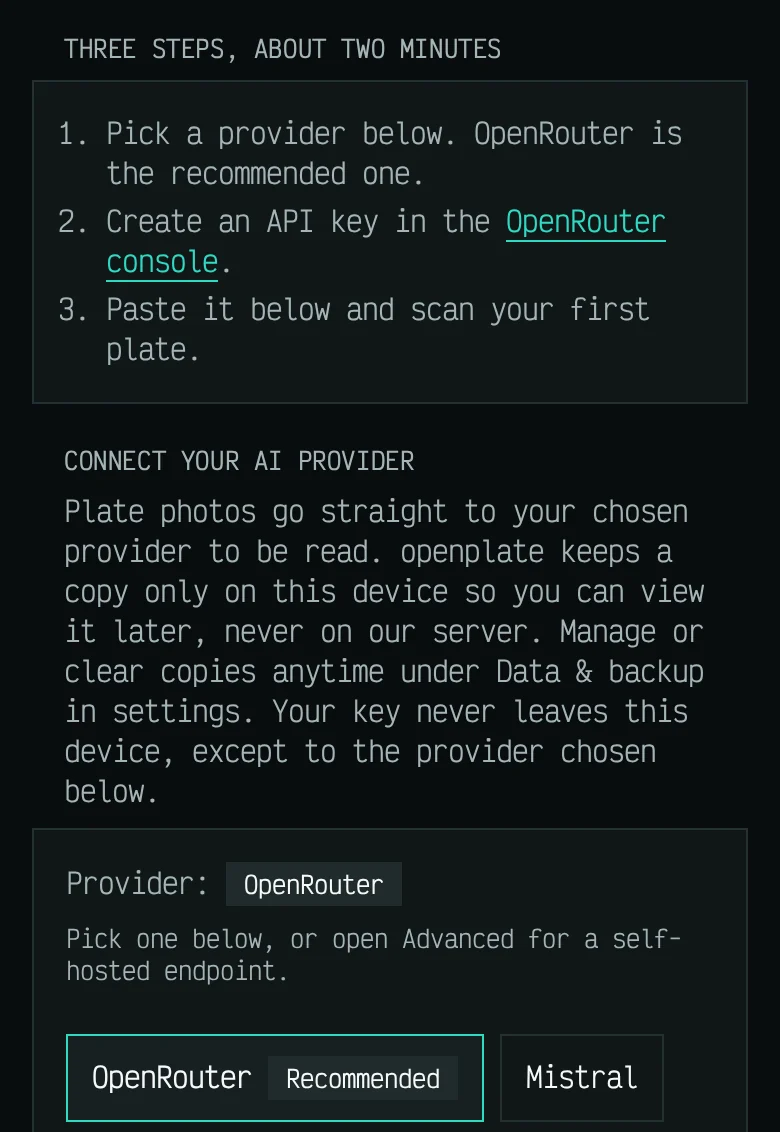
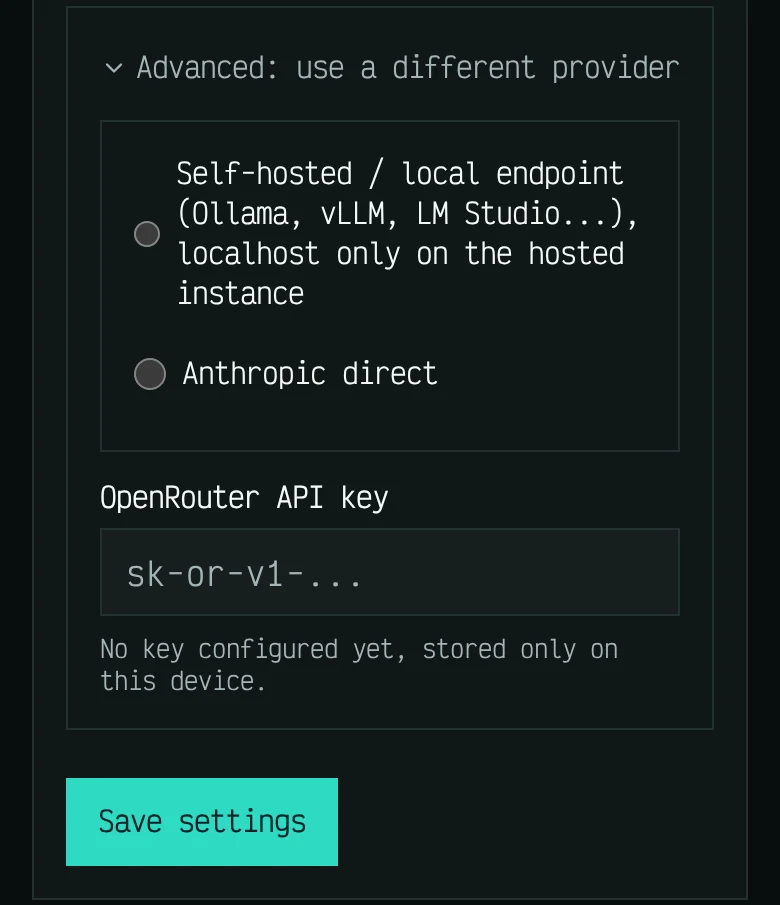
These screens show example data, not a real diary.
Which plans include it
Self-hosting needs no plan. Your copy is free and includes every feature.
Limits
- You manage the infrastructure: maintenance, backups, and availability are your responsibility.
- Your AI provider bills you directly. Local models avoid usage fees but demand capable host hardware.