
AI scan
Photograph your plate, check the AI reading, and log it.
What it is
The AI scan reads a photo of your meal. It identifies the foods, estimates the portion sizes, and calculates the nutrition facts.
You can also type a meal description instead of taking a photo. The diary marks each logged item as an AI estimate.
How it works
- Open the scan and take a photo, or choose an image from your phone.
- Review the result. Adjust portions, remove errors, and pick the meal.
- Confirm the items to add them to your diary.
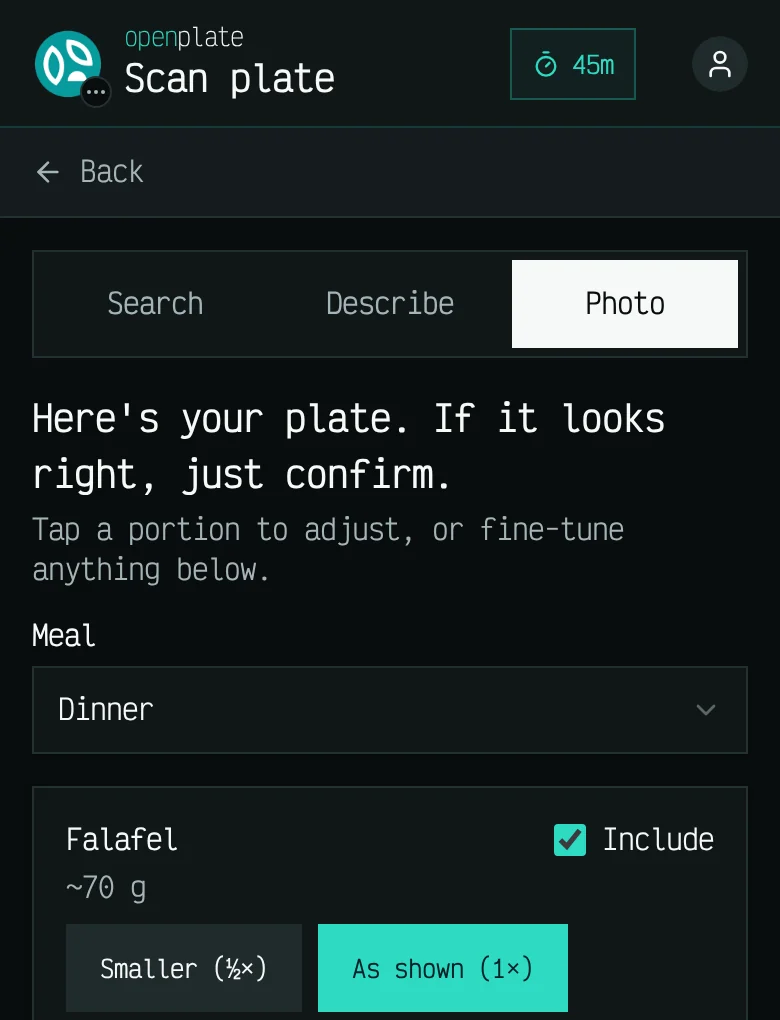
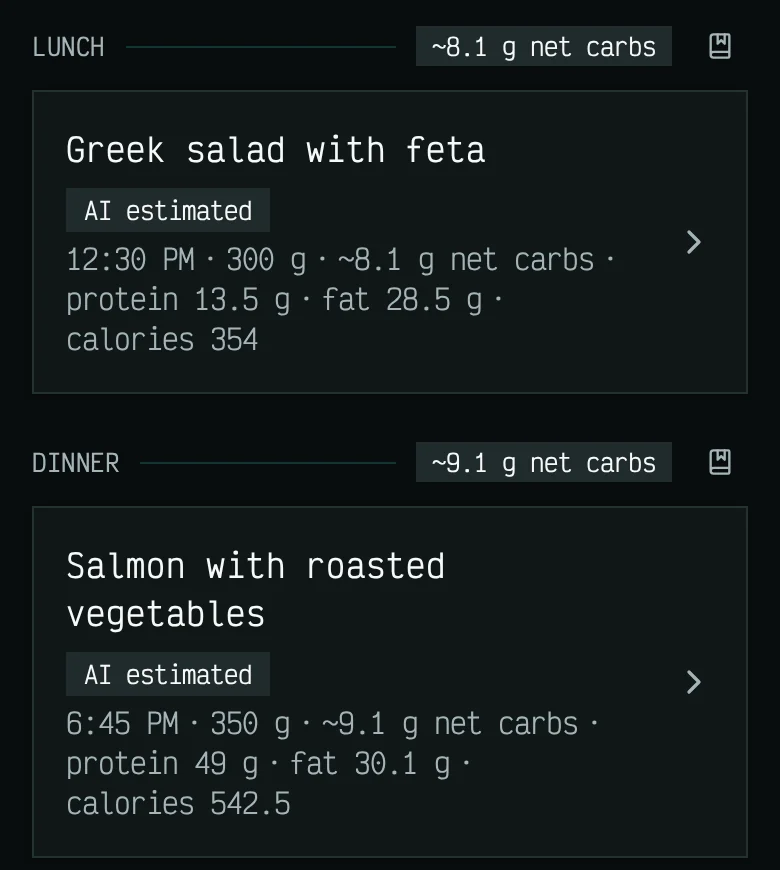
These screens show example data, not a real diary.
Which plans include it
- Free
- 10 a week
- Basic
- 20 a week
- Plus
- 40 a week
- Max
- 100 a week
- Self-host
- No limit from usYour own AI provider
Limits
- AI values are estimates. The model can misjudge portion sizes and hidden ingredients like cooking oil. Check the numbers.
- On the hosted app, AI scans count toward a weekly cap. The count starts again on Monday at 00:00 UTC.
- Our server does not save your photo. It passes the photo to OpenRouter (USA), which passes it to Google. If you report a wrong estimate, we keep that one photo for up to 37 days. On your own copy, the photo goes only to the AI service you connect.